Workspace readiness contract
The exact preview, payment, number request, assignment, and sending states used across Beam.
State contract
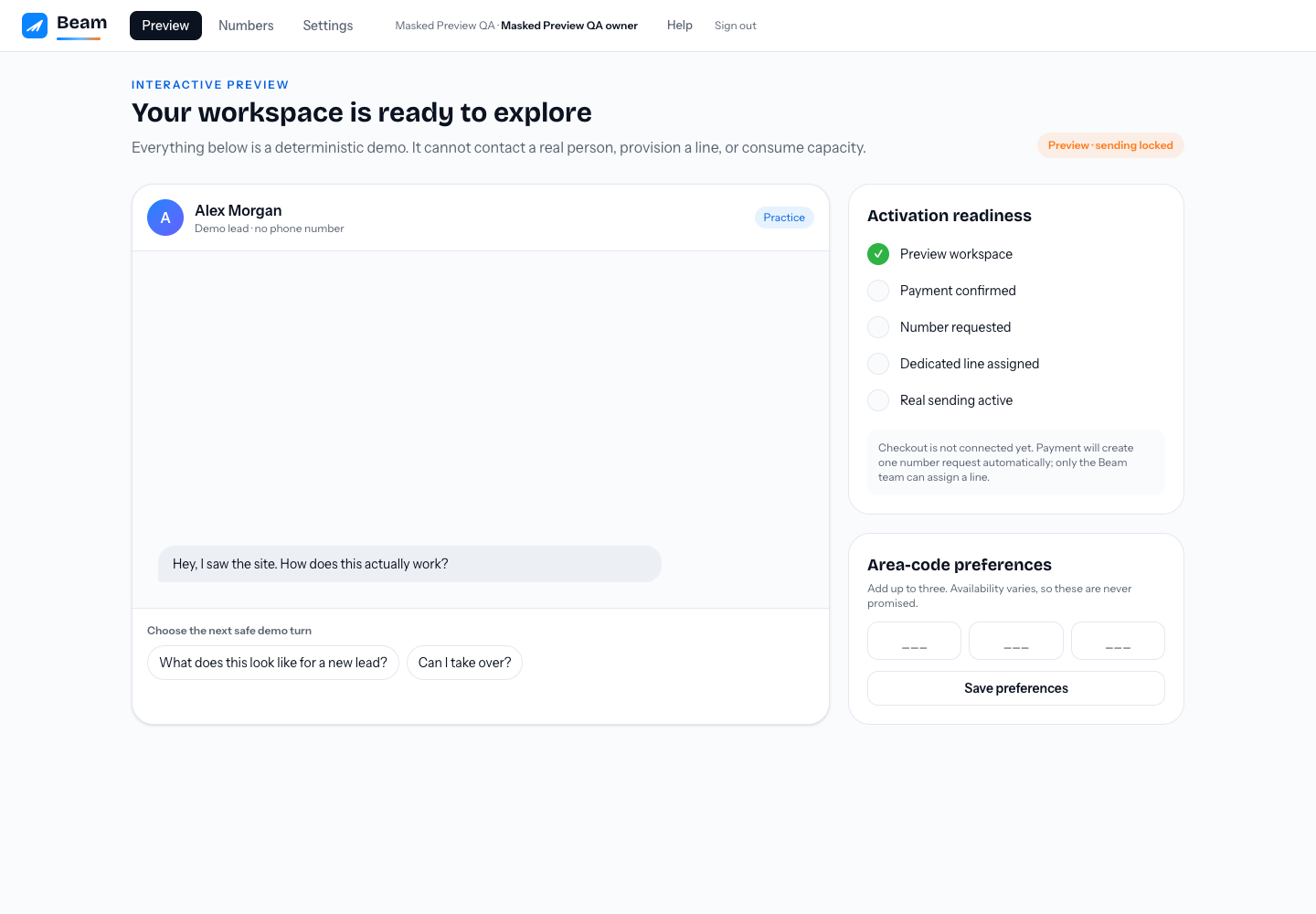
GET /api/me returns a readiness object. Product surfaces, communications workflows, and integrations must consume these server-derived fields instead of guessing from UI state.
| State | Meaning | Can send? |
|---|---|---|
preview | Unpaid, isolated workspace. The deterministic demo has no contacts or external actions. | No |
paid_number_requested | Payment is confirmed and one idempotent number request exists. | No |
number_assigned | A line record exists but is inactive. | No |
active | Payment is confirmed and at least one dedicated line is actively assigned. | Yes |
The companion booleans are paid, number_requested, number_assigned, and sending_enabled. Removing the last active assignment immediately makes sending_enabled false.
Billing integration contract
The engine accepts the payment platform's signed raw event at POST /webhooks/billing. A hosted-checkout browser return never proves payment. Only a verified paid-invoice event moves a preview to paid/requested and creates the single tracked allocation request.
Events are durably deduplicated. Replaying the same event or receiving another paid invoice for the same allocation still produces one request. A new paid allocation after a portal plan change produces one new adjustment request. The webhook never leases or assigns a line.
Area-code preferences
POST /api/onboarding/preferences accepts { "area_codes": ["713", "469"] }. Send zero to three unique, three-digit codes. They guide sourcing only and are never guaranteed.
Release verification
- Create a preview through the public signup and confirm it has zero contacts, messages, and numbers.
- Run every demo branch and confirm no message, contact, number, or capacity row changes.
- Replay one signed paid-invoice fixture and confirm exactly one request exists while sending stays locked.
- Assign one available platform line as super-admin and confirm
sending_enabled: true. - Remove the assignment and confirm all send entry points return
423 sending_locked.