Numbers & warm-up
Your dedicated lines: how to get them, and how Beam keeps them healthy.
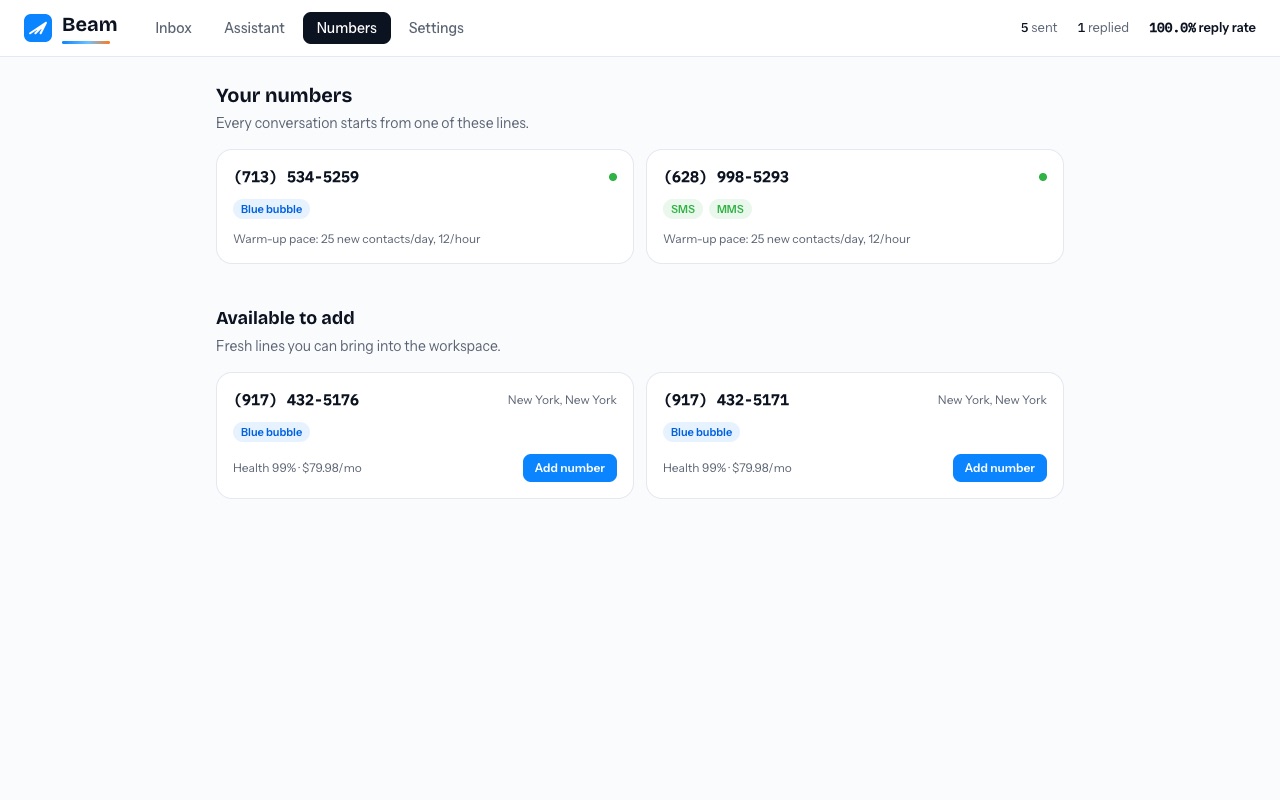
Your numbers
The Numbers tab shows every line in your workspace, its channels, and its current warm-up pace. Each conversation belongs to exactly one number: the first number a contact hears from is their number forever, so their entire history stays in one thread on their phone.
Adding a number
The Numbers tab shows your readiness state. Confirmed payment creates one tracked request for the selected plan allocation. A platform administrator then assigns the dedicated lines; only an active assignment unlocks sending. Area codes are preferences, never a promise.
Need your established business number to appear on outbound calls? Complete the separate verified caller ID checklist. It does not change Beam messaging or inbound routing.
Warm-up: why your new number starts slow
A brand-new number that sends 200 messages on day one looks exactly like spam to the systems that watch for it. Beam ramps every new line gradually: a conservative daily cap that grows over weeks of healthy sending. You will see the current pace on each number's card.
Scaling with more lines
One line comfortably handles dozens of new conversations a day. Need more? Add lines and Beam spreads new contacts across them while keeping every existing relationship pinned to its original number.
What can hurt a number
- Blast-style identical messages to many people
- Messaging people who never asked to hear from you
- Sudden volume spikes
- Low reply rates over a sustained period
The full story is in Number health.